General
How to Choose the Best Antivirus Software
Simplify your search for an antivirus software with this guide.
read more
Find the location nearest you
Published on: March 28th, 2011

If you’re a typical person, you probably have tons of vital data on your computer that you don’t want to lose. For some, that data is family pictures. For others, it’s important essays, memo, and projects. No matter what data you want to protect on your computer, the fear of losing valuable data to random viruses, bugs or computer damage always lingers. Continue reading to learn how you can protect the data on your computer.
To lessen your fears of losing valuable data, utilize these eight tips to protect the data on your computer or laptop.
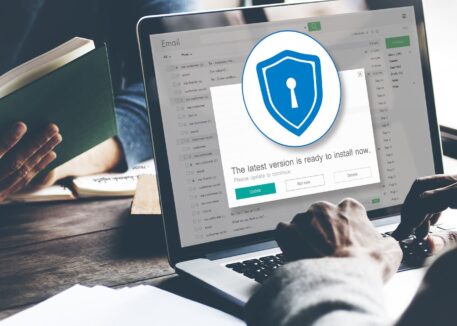
 Update your system’s operating system and web browser frequently. Keeping these completely updated will dramatically reduce the potential that your computer can be accessed by hackers. If your version of the system software does not automatically check for and download software updates, be sure to do this manually.
If you need assistance with data backup solutions for your business or home, contact Computer Troubleshooters. Our expert technicians are happy to assist you in creating customized data solutions.


Simplify your search for an antivirus software with this guide.
read more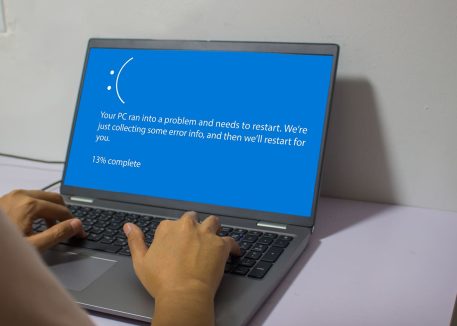
Have you received this notorious Windows error screen? Here’s how to fix it.
read more© 2026 Computer Troubleshooters.